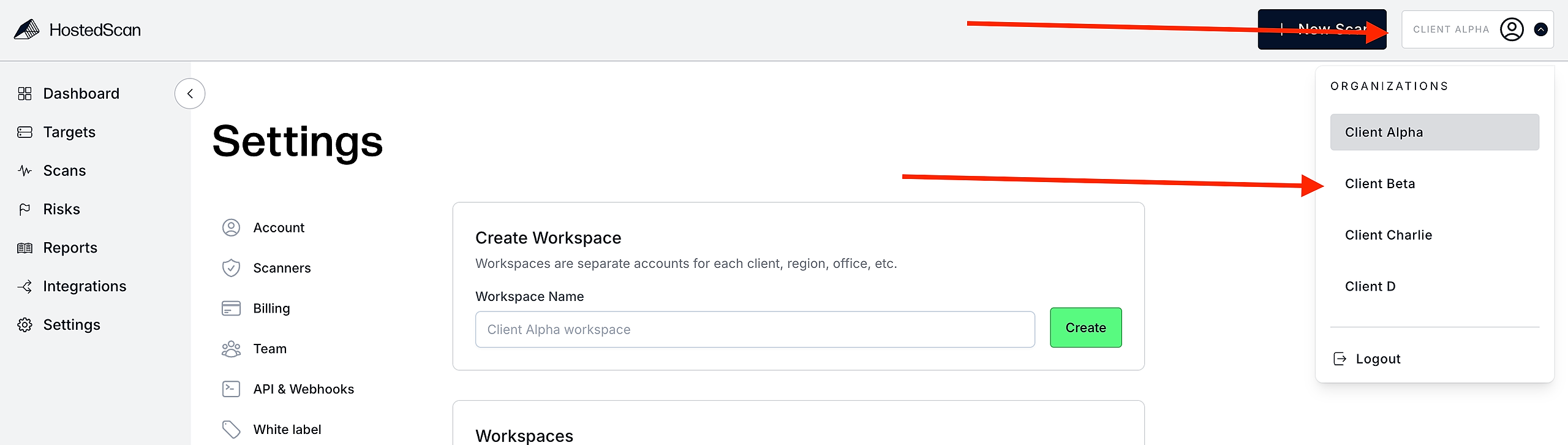

A workspace completely isolates data, users, reports, and APIs. Effectively this means:
Data is completely segregated to each workspace. It's impossible to generate a report that includes data from two different workspaces.
Any user added to a workspace cannot see your other workspaces, nor any of the data of those workspaces.
API Keys, and webhooks are unique to each workspace. That means webhooks will only send data for the workspace they are created in.
To get started with Workspaces, sign up for an MSP account and visit the workspaces settings pane at https://hostedscan.com/settings/workspaces
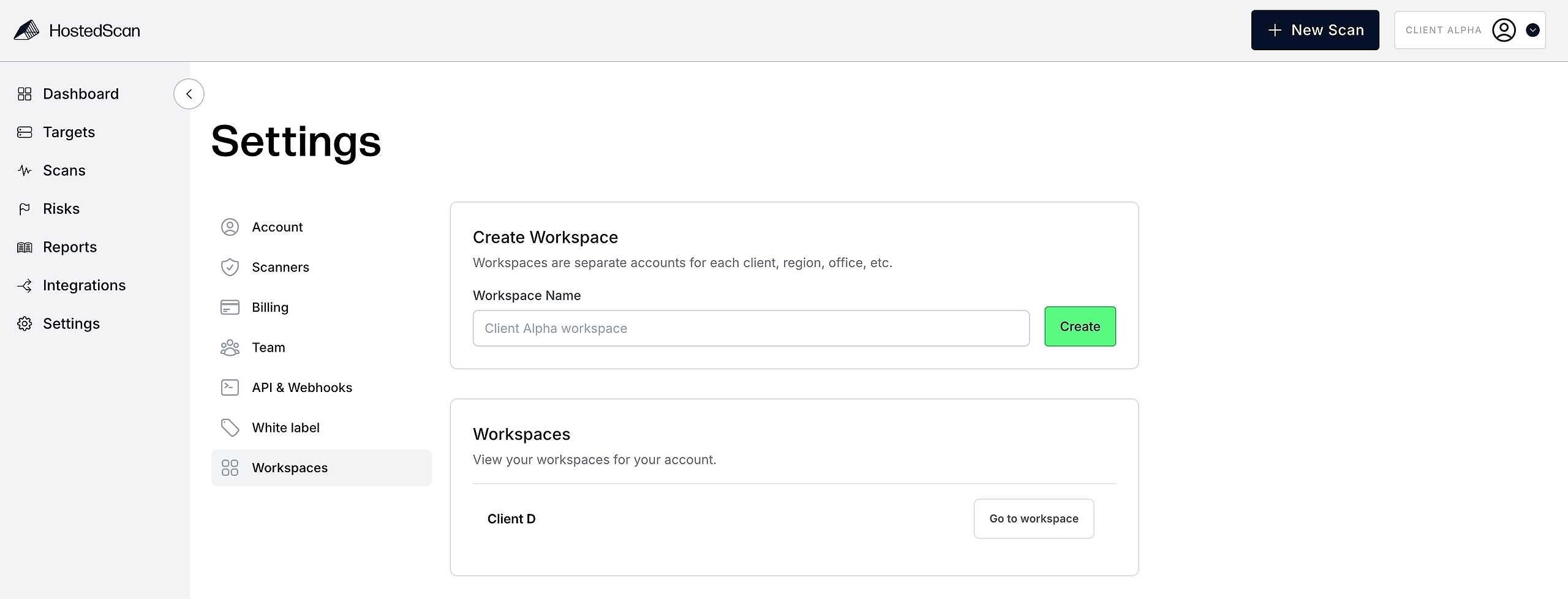
Once created, you can navigate between workspaces using the dropdown in the top right corner.