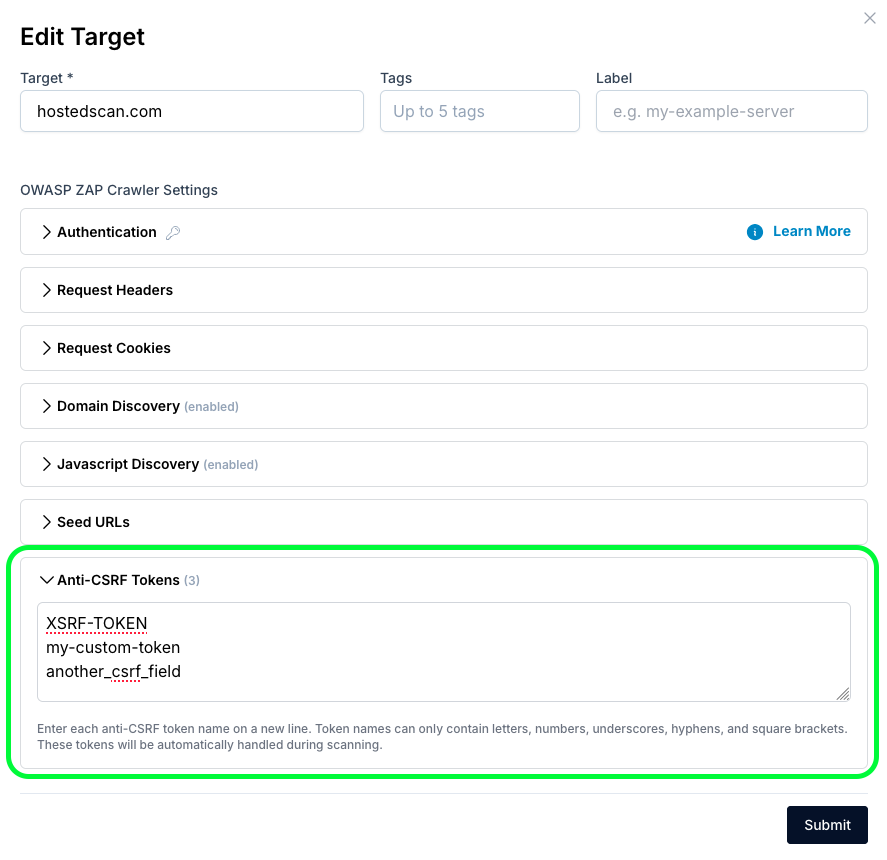

The ZAP web application scanner is capable of detecting anti-csrf token fields. The default list of anti-csrf token fields used by HostedScan is:
"anticsrf",<br>"CSRFToken",<br>"__RequestVerificationToken",<br>"csrfmiddlewaretoken",<br>"authenticity_token",<br>"OWASP_CSRFTOKEN",<br>"anoncsrf",<br>"csrf_token",<br>"_csrf",<br>"_csrfSecret",<br>"__csrf_magic",<br>"CSRF",<br>"_token",<br>"_csrf_token",<br>"_csrfToken",<br>"_wpnonce",<br>"data[_Token][key]Custom anti-csrf tokens
To configure custom anti-csrf tokens, edit the target you are scanning, add the anti-csrf tokens, and then run a scan to get results with the new configuration.